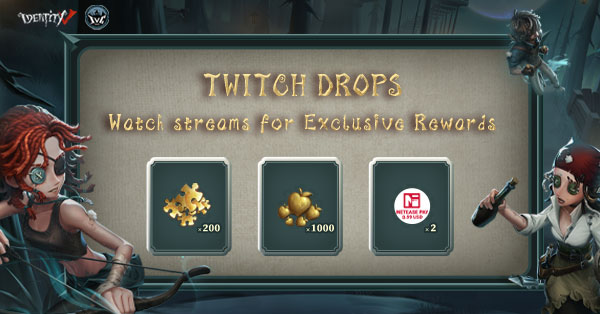
Twitch Drops is a feature on the Twitch platform that allows you to earn in-game rewards simply by watching designated streams. To participate in Twitch Drops events, you must link your Identity V game account with your Twitch account. Before linking, please confirm your game character information.
Which streams do I need to watch to get drops?
During the event, simply watch streams under the "Identity V" category on Twitch to participate.
I obtained my drops on Twitch. Where can I check my rewards?
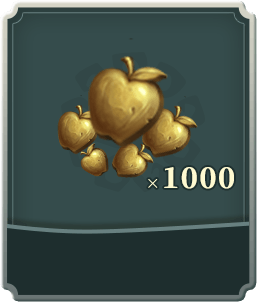
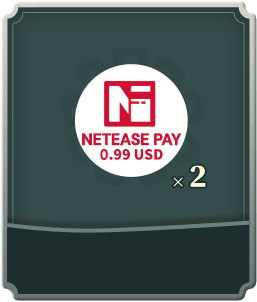
We'll be sending your rewards to your in-game mailbox—don't forget to check it soon! NetEase Pay card rewards will be sent to your mailbox by September 18th. Click here to use your NetEase Pay card.
Can I earn more rewards by watching more than one channel at a time?
No, you cannot receive the same Twitch Drop rewards multiple times. Watching multiple channels at the same time will not grant additional drops.
I have accounts on both the NA/EU and Asia servers. Can I link both to the same Twitch account?
You must select your account's region before logging in to successfully link your character. A single Twitch account can only be linked to one game account and cannot be linked multiple times.
What should I do if "No character information found for this account." shows up?
First, please confirm whether your game package is the HMT regional version or the Global version. For the HMT version, please use the Traditional Chinese language page to bind your Identity V game account. For non-HMT versions, please use the English, Japanese, or Korean language page to bind your Identity V game account. Players can determine their package version by the download source: games downloaded from app stores in Hong Kong, Macau, or Taiwan are the HMT version, while games downloaded from app stores in other overseas regions are the Global version.